
- Checkout Our latest Blog Collections
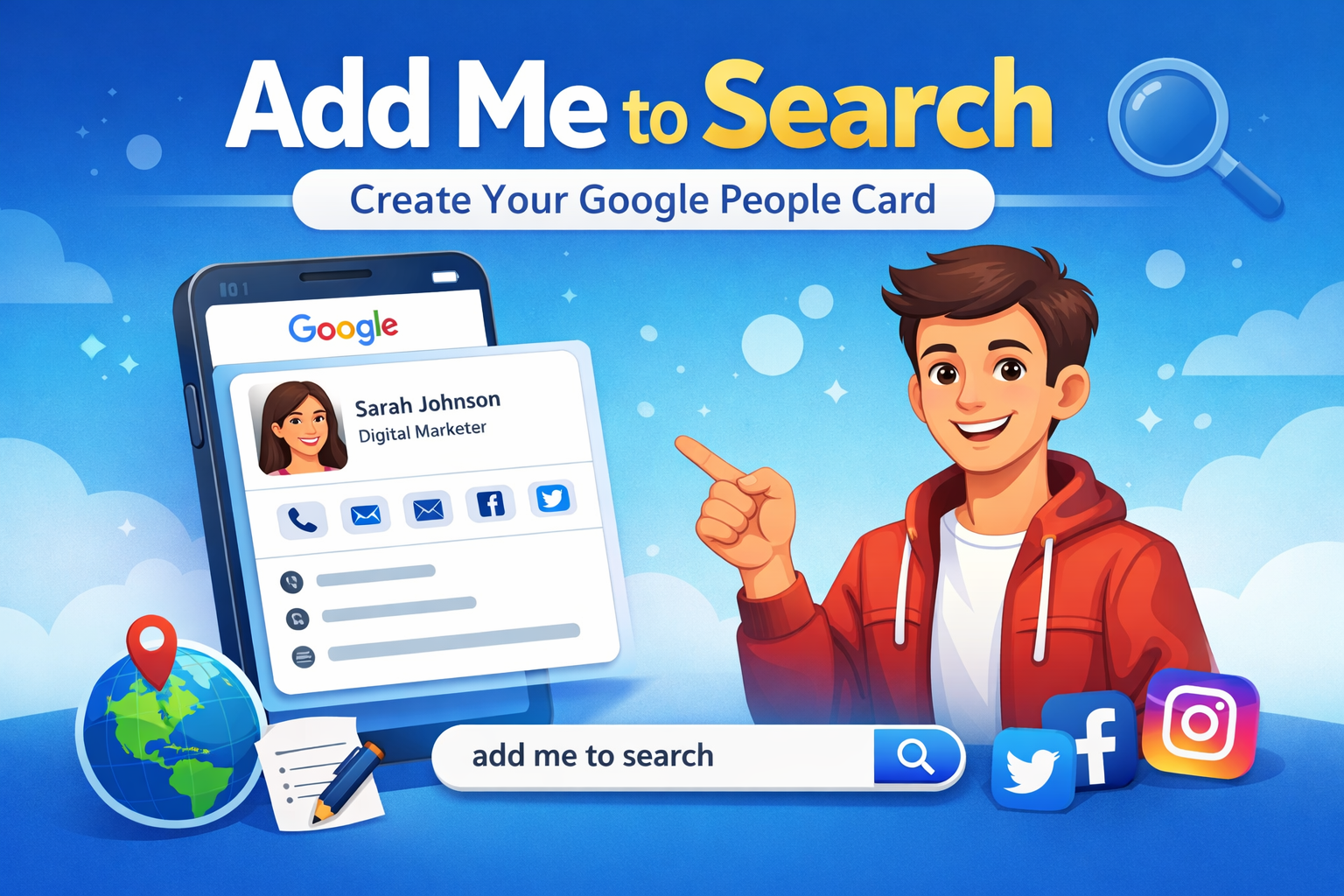
Have you ever searched your name on Google and found nothing about yourself? Maybe you are a freelancer, student, small business owner, or job seeker who wants to build an online presence. That is where Add Me to Search becomes helpful.
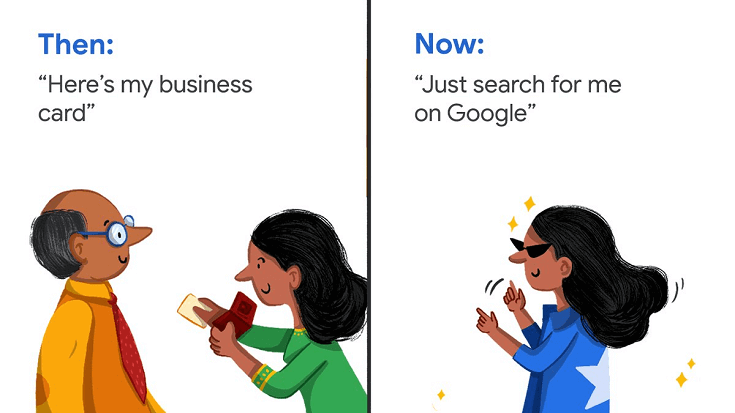
Add Me to Search is a Google feature that allows individuals to create a simple profile directly on Google Search. This profile is also called a People Card. It works like a small digital visiting card that appears when someone searches your name.
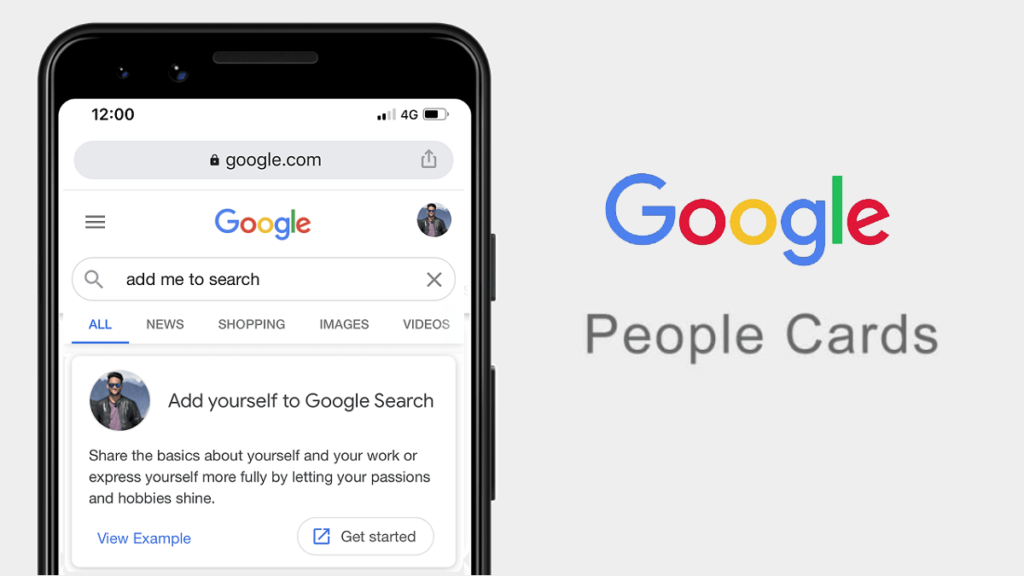
Add Me to Search is a feature introduced by Google that allows people to create their own public profile on Google. When someone searches your name, your People Card can appear in the search results.
Think of it as:
It is especially useful for:
Today, everything starts with a Google search. When someone hears your name, they usually search for you online.
If you do not control what appears, there may be:
Add Me to Search helps you:
You can show who you are and what you do.
You can add:
It helps you create a professional image.
Instead of random results, your official card appears.
Creating your People Card is simple. Follow these steps:
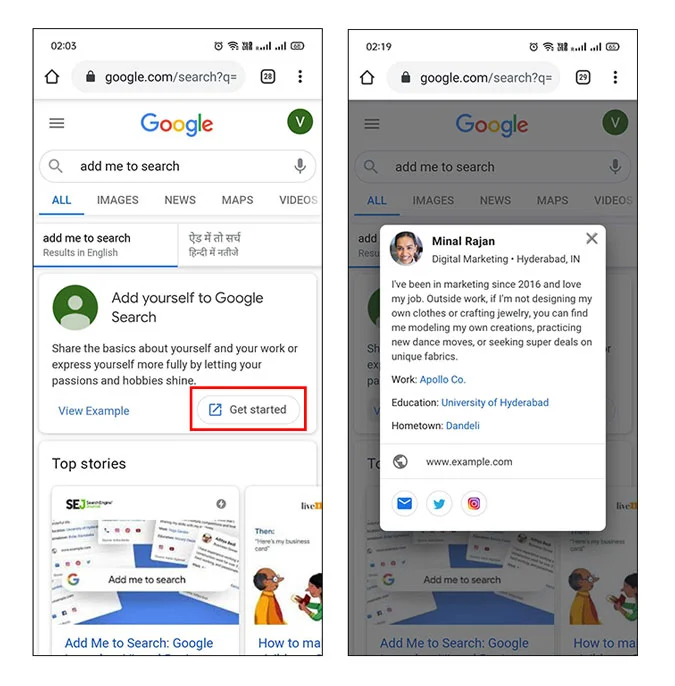
You must have a Google account.
Open Google on your mobile device and type:
Add me to search
You will see an option to create your People Card.
Fill in details like:
Choose a clear and professional picture.
Check everything and click submit.
Your card may take some time to appear in search results.
Creating a card is easy. Making it effective is important.
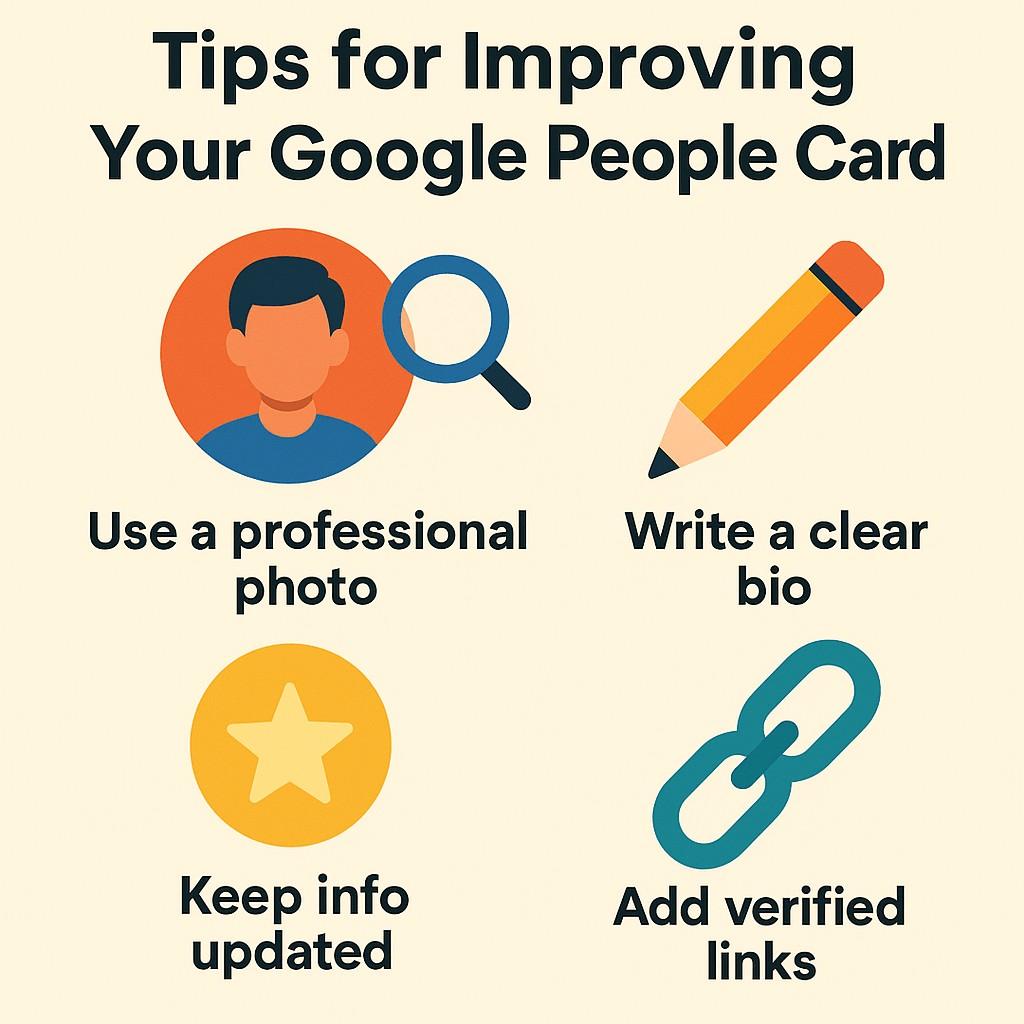
Use the name people search for.
Keep it simple and professional. Mention:
If you are a “Digital Marketing Expert,” write that clearly. This helps in search visibility.
Update your card if:
Avoid:
This feature is perfect for:
Writers, designers, developers, marketers.
Local shop owners, consultants, coaches.
Students looking for internships or jobs.
Bloggers, YouTubers, influencers.
If you are building a personal brand, this tool is helpful.
Here are some strong advantages:
You do not need to pay anything.
It takes only a few minutes.
You do not need to know coding or website design.
Your profile appears directly in search results.
You decide what people see about you.
Yes.
To edit:
To remove:
You have full control over your profile.
Many people make simple mistakes while creating their card.
Keep it clean and simple.
Avoid sharing:
Google may remove cards that contain false details.
Old information can create confusion.
Currently, this feature is mainly available in selected countries and works best on mobile devices. If you cannot see the option, it may not be available in your region yet.
You may wonder if you still need a website.
Here is a simple comparison:
| Add Me to Search | Personal Website |
|---|---|
| Free | May cost money |
| Easy setup | Needs design & hosting |
| Limited customization | Full control |
| Quick visibility | Better long-term branding |
If you are just starting, Add Me to Search is a great first step. Later, you can create a full website.
Add Me to Search is a powerful and simple tool for building your online identity. In today’s digital world, having an online presence is important. Whether you are a student, freelancer, or entrepreneur, this feature can help people find you easily.
It is free, easy, and takes only a few minutes to set up.
If you have not created your People Card yet, open Google and try it today. Your digital presence starts with one simple step.
Excellent Work
Certified Team
Quick Turnaround
Most Experienced