
- Checkout Our latest Blog Collections
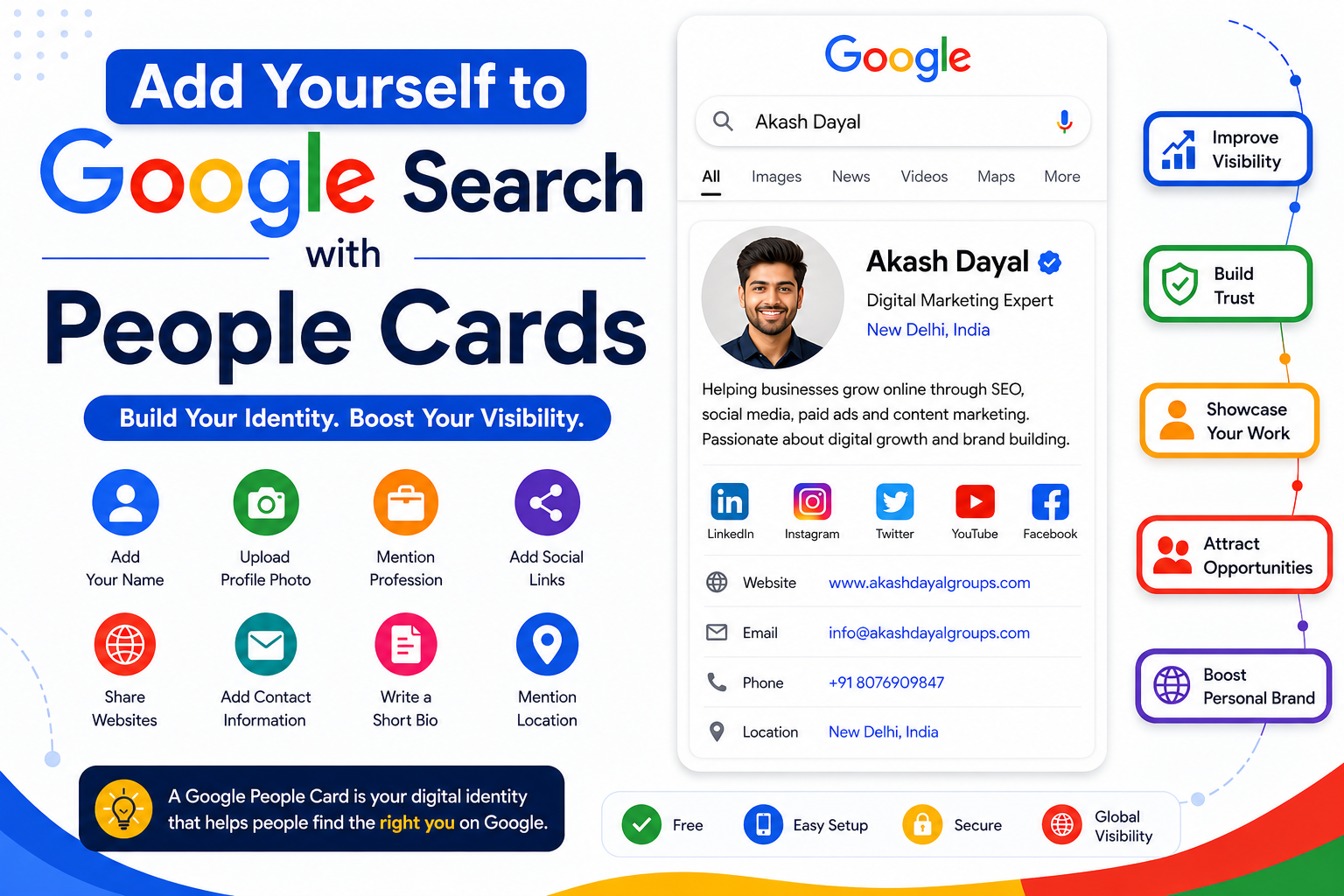
In the modern online era, having an online presence is important for professionals, freelancers, business owners, influencers, students, and creators. One of the easiest ways to improve your visibility online is by creating a Google People Card. If you have ever searched for someone on Google and seen a profile card displaying their name, profession, social links, and website, then you have already seen a Google People Card in action.
Google introduced People Cards to help individuals create a virtual visiting card directly on Google Search. Many users discover this feature by searching for Add Me to Google or Add Me to Search on Google. It allows users to showcase their identity, profession, achievements, social profiles, websites, and contact details in one place. Whether you are a digital marketer, entrepreneur, artist, teacher, developer, or freelancer, a Google People Card can help people discover you easily online.
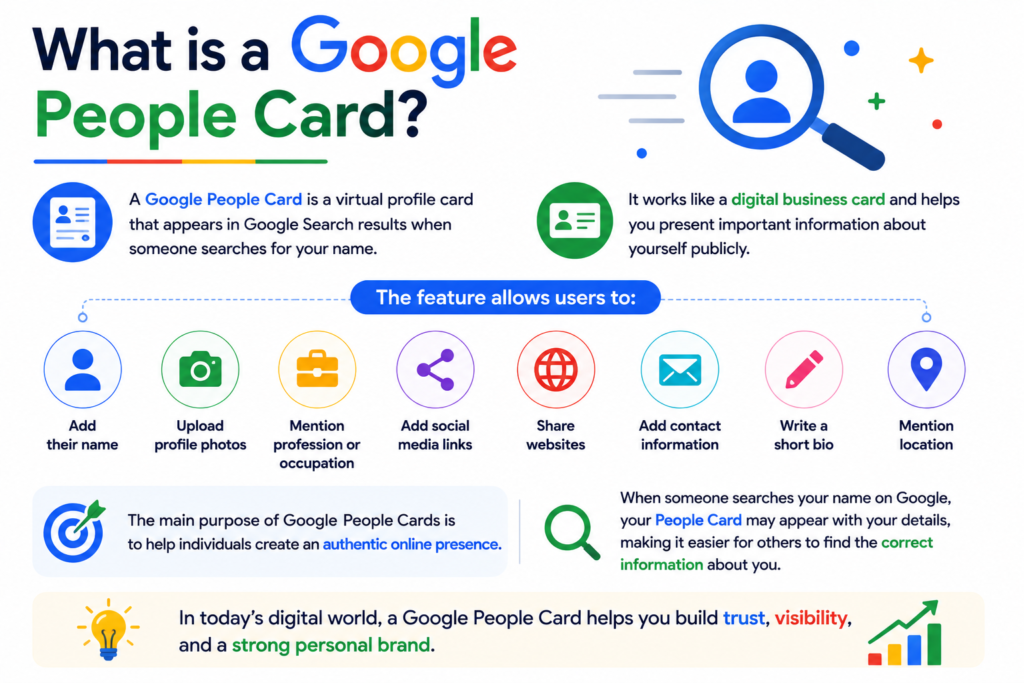
A Google People Card is a virtual profile card that appears in Google Search results when someone searches for your name. It works like a digital business card and helps you present important information about yourself publicly.
The feature allows users to:
The main purpose of Google People Cards is to help individuals create an authentic online presence.
When someone searches your name on Google, your People Card may appear with your details, making it easier for others to find the correct information about you.
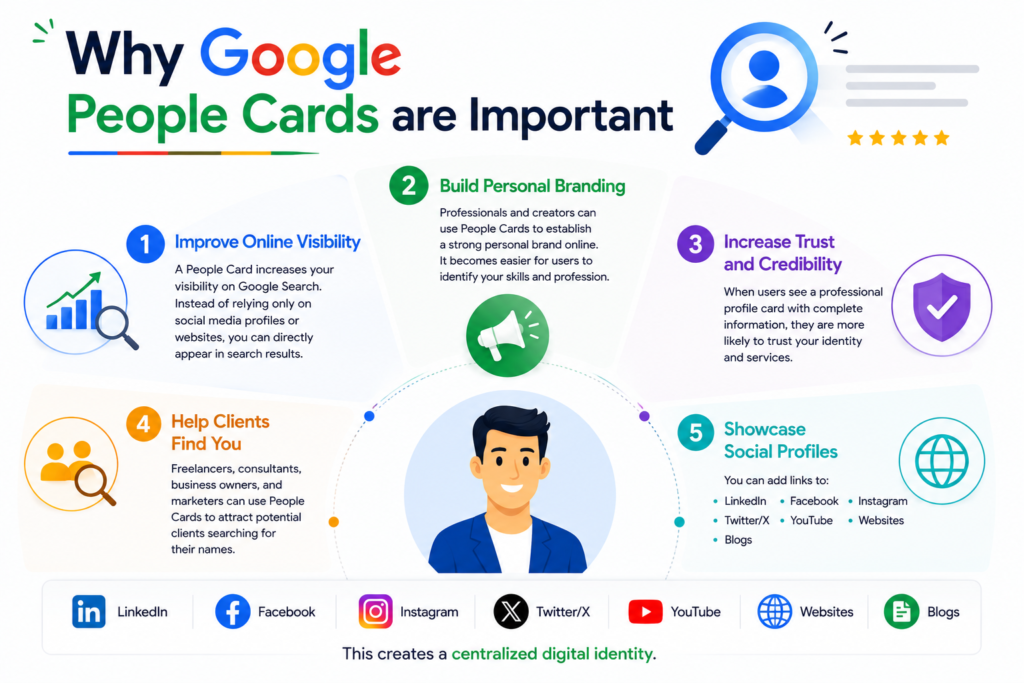
A People Card increases your visibility on Google Search. Instead of relying only on social media profiles or websites, you can directly appear in search results.
Professionals and creators can use People Cards to establish a strong personal brand online. It becomes easier for users to identify your skills and profession.
When users see a professional profile card with complete information, they are more likely to trust your identity and services.
Freelancers, consultants, business owners, and marketers can use People Cards to attract potential clients searching for their names.
You can add links to:
This creates a centralized digital identity.
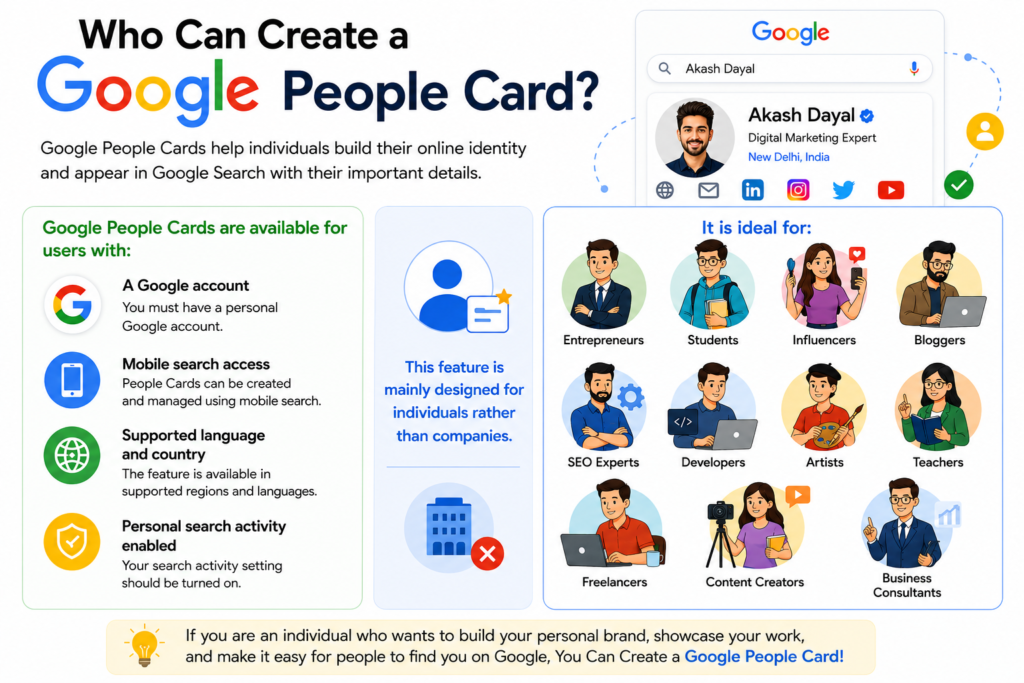
Google People Cards are generally available for users with:
The feature is mainly designed for individuals rather than companies.
It is ideal for:
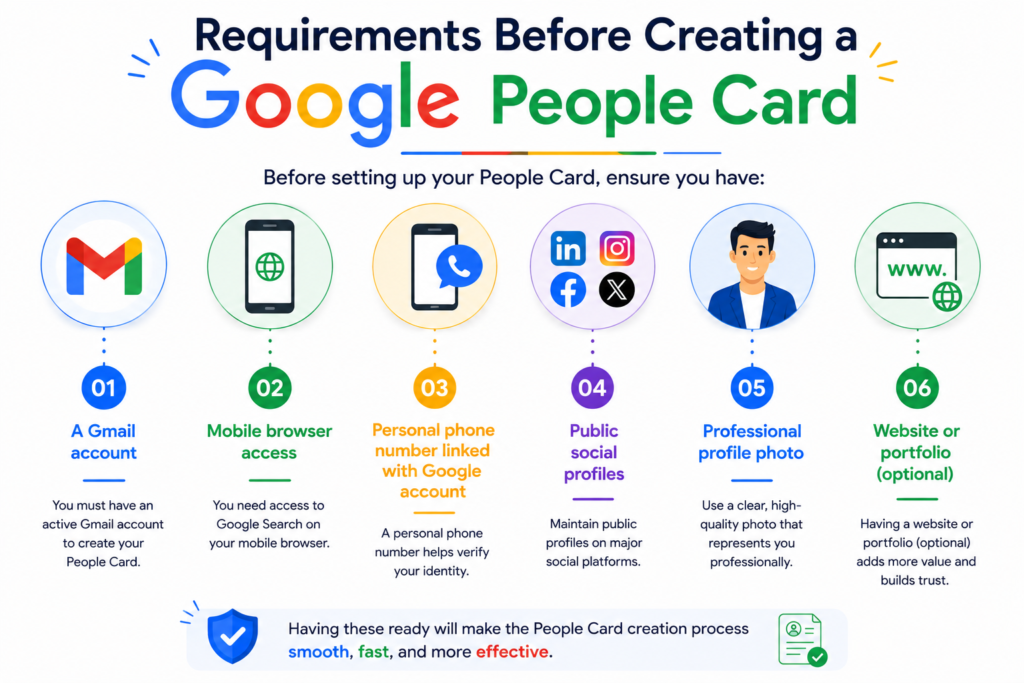
Before setting up your People Card, ensure you have:
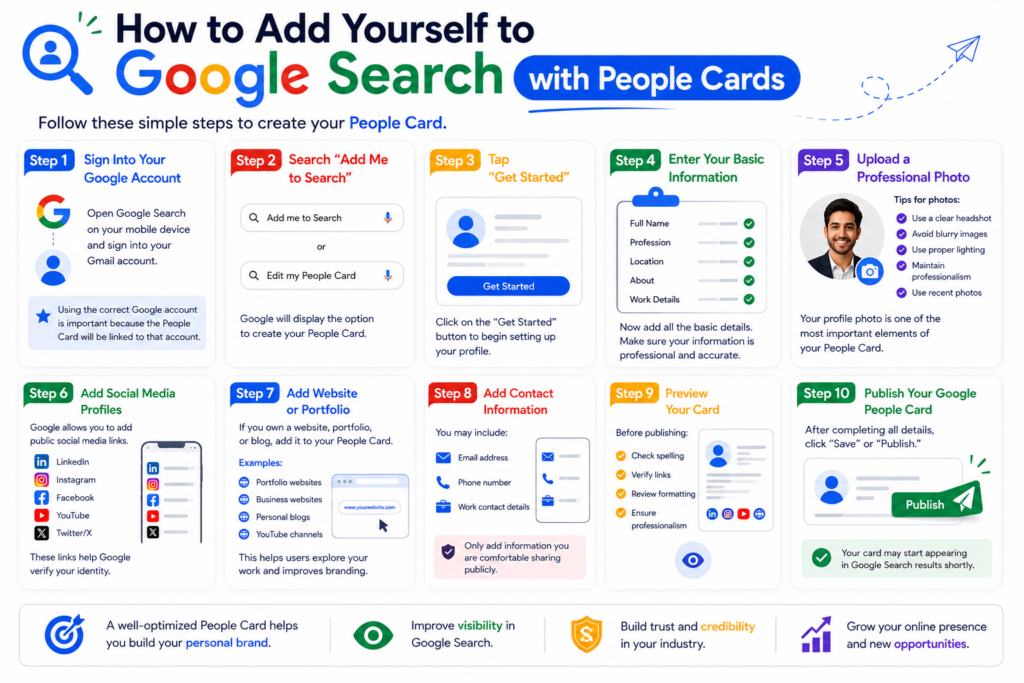
Follow these simple steps to create your People Card.
Open Google Search on your mobile device and sign into your Gmail account.
Using the correct Google account is important because the People Card will be linked to that account.
In Google Search, type:
“Add me to Search”
or
“Edit my People Card”
Google will display the option to create your People Card.
Click on the “Get Started” button to begin setting up your profile.
Now add:
Make sure your information is professional and accurate.
Your profile photo is one of the most important elements of your People Card.
Tips for profile photos:
Google allows you to add public social media links.
Popular platforms include:
These links help Google verify your identity.
If you own a website, portfolio, or blog, add it to your People Card.
This helps users explore your work and improves branding.
Examples:
You may include:
Only add information you are comfortable sharing publicly.
Before publishing:
After completing all details, click “Save” or “Publish.”
Your card may start appearing in Google Search results shortly.

Creating the card is only the first step. Optimization is important for better visibility.
Always use your actual professional name.
Avoid:
Your bio should clearly explain:
Example:
“Digital marketing expert helping businesses grow through SEO, branding, and web development.”
Include keywords related to your profession.
Examples:
This can improve discoverability.
Update your People Card regularly when:
Google may trust verified and active profiles more.
Ensure:
Having a website linked to your People Card improves authority and professionalism.
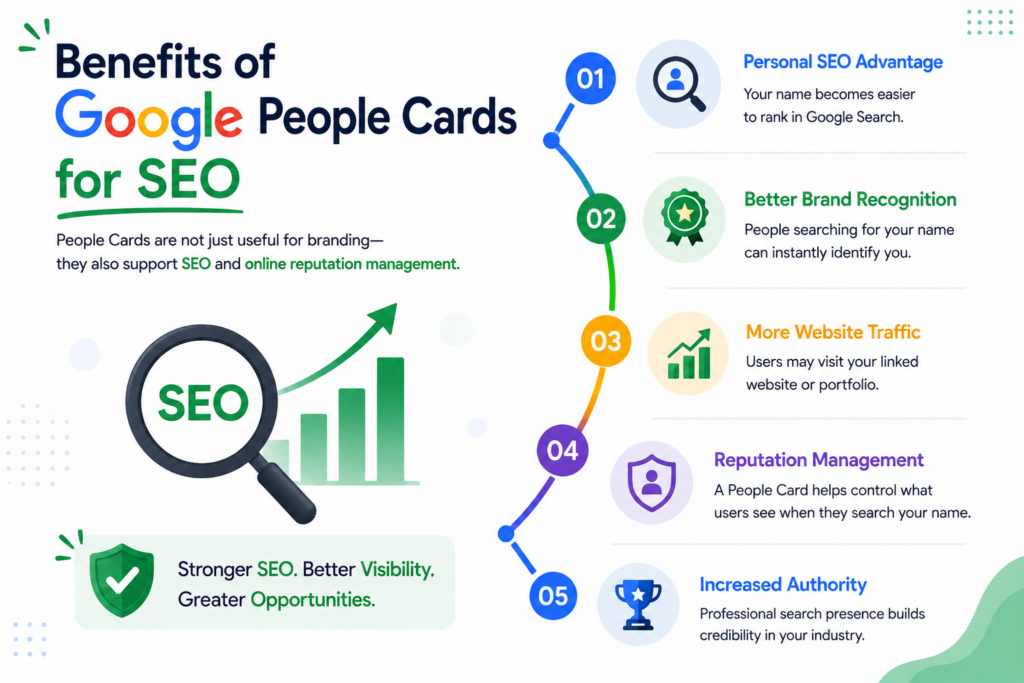
People Cards are not just useful for branding—they also support SEO and online reputation management.
Your name becomes easier to rank in Google Search.
People searching for your name can instantly identify you.
Users may visit your linked website or portfolio.
A People Card helps control what users see when they search your name.
Professional search presence builds credibility in your industry.
Many users create People Cards incorrectly. Avoid these mistakes.
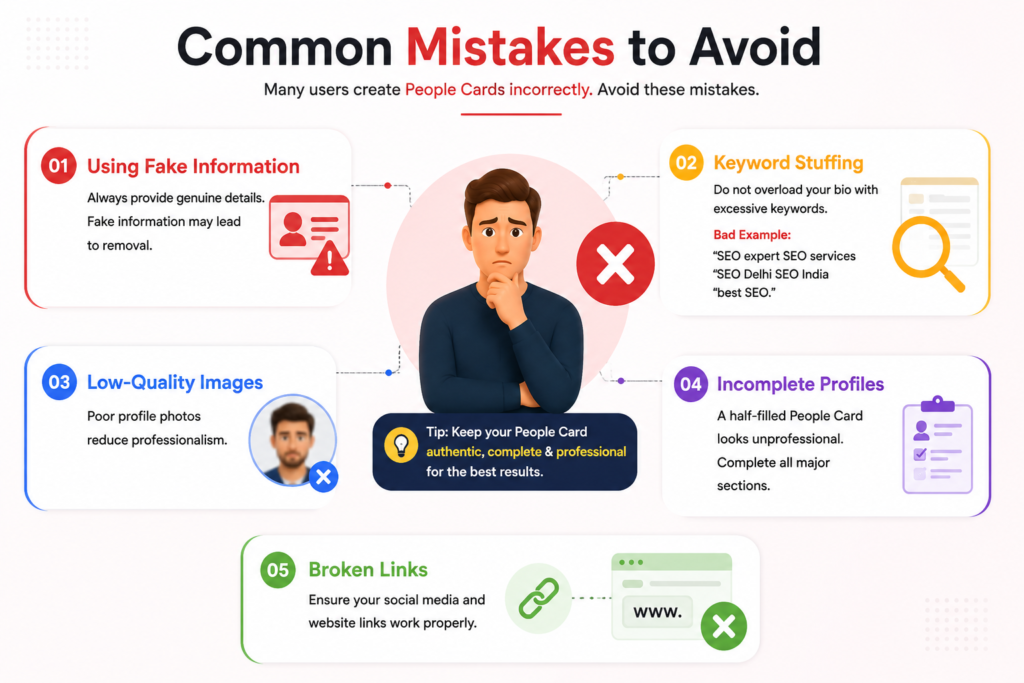
Always provide genuine details.
Fake information may lead to removal.
Do not overload your bio with excessive keywords.
Bad Example:
“SEO expert SEO services SEO Delhi SEO India best SEO.”
Poor profile photos reduce professionalism.
A half-filled People Card looks unprofessional.
Complete all major sections.
Ensure your social media and website links work properly.
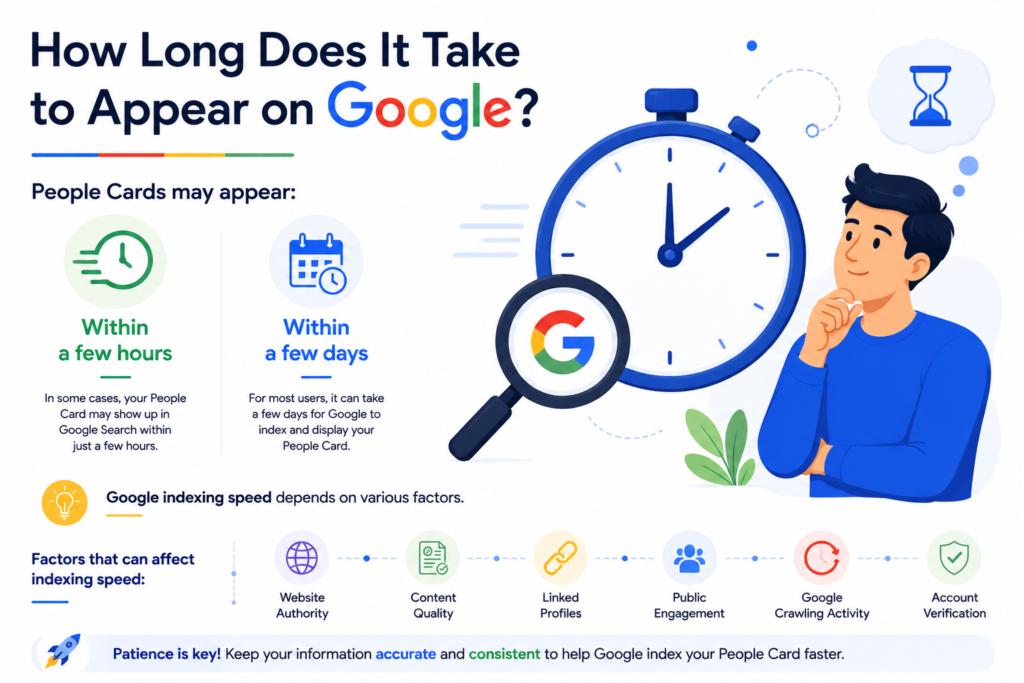
People Cards may appear:
Google indexing speed depends on various factors.
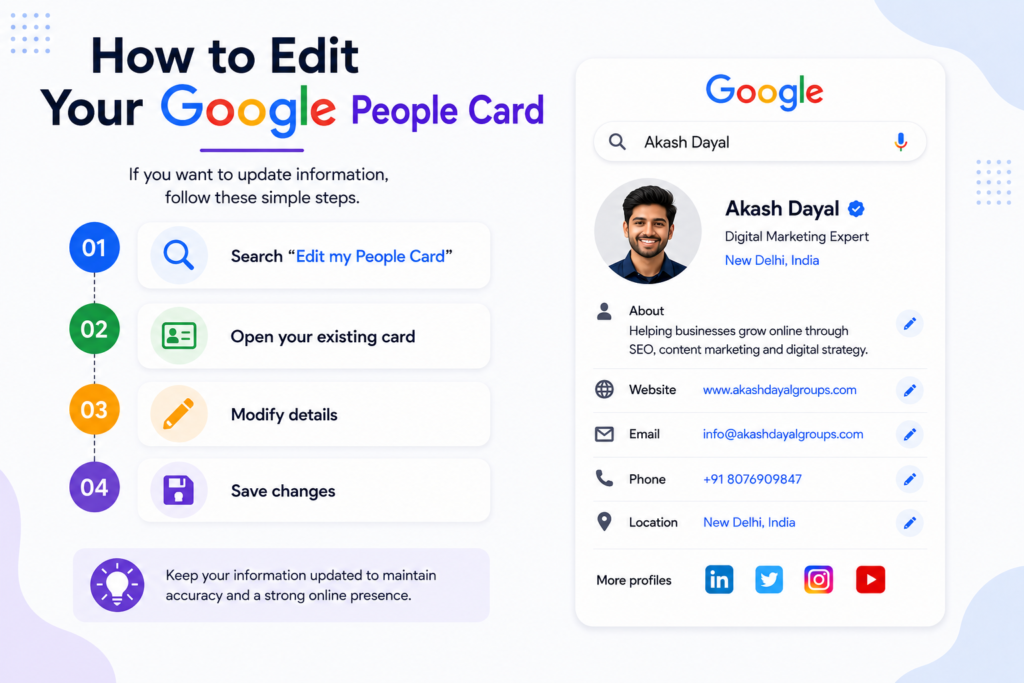
If you want to update information:
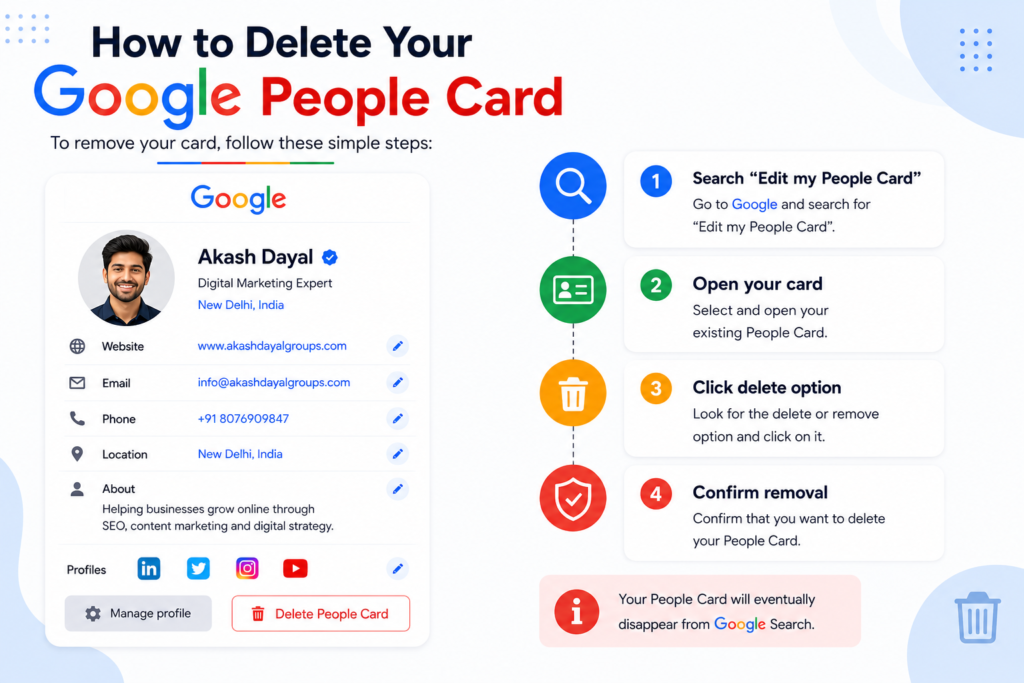
To remove your card:
Your People Card will eventually disappear from Google Search.
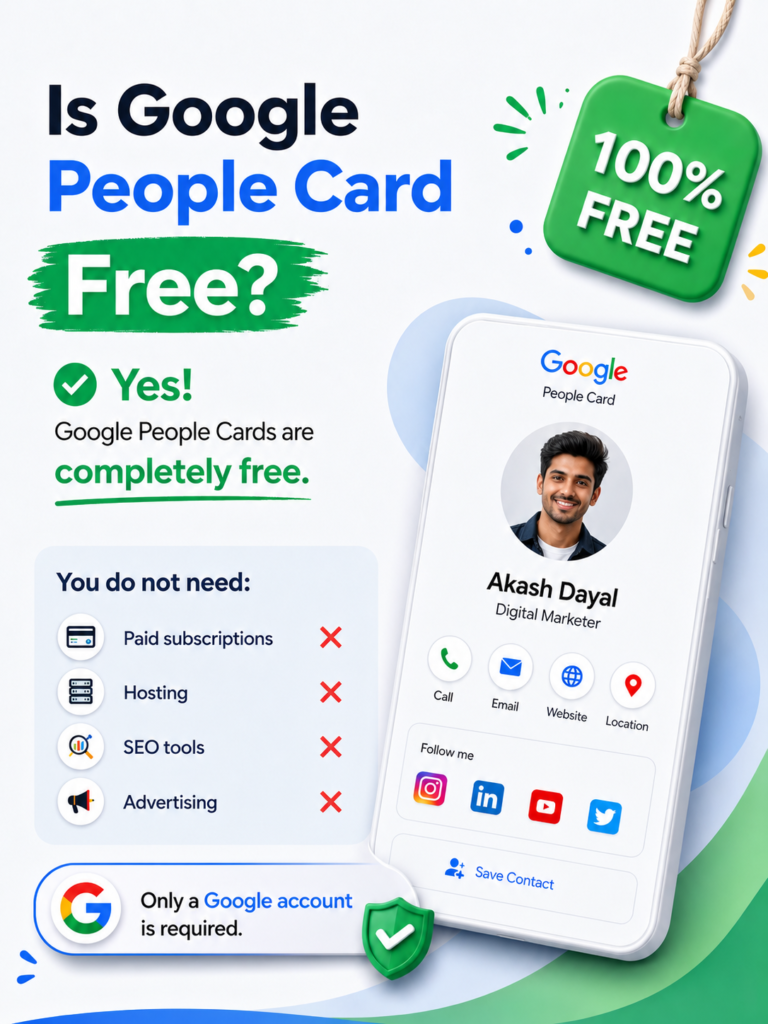
Yes, Google People Cards are completely free.
You do not need:
Only a Google account is required.
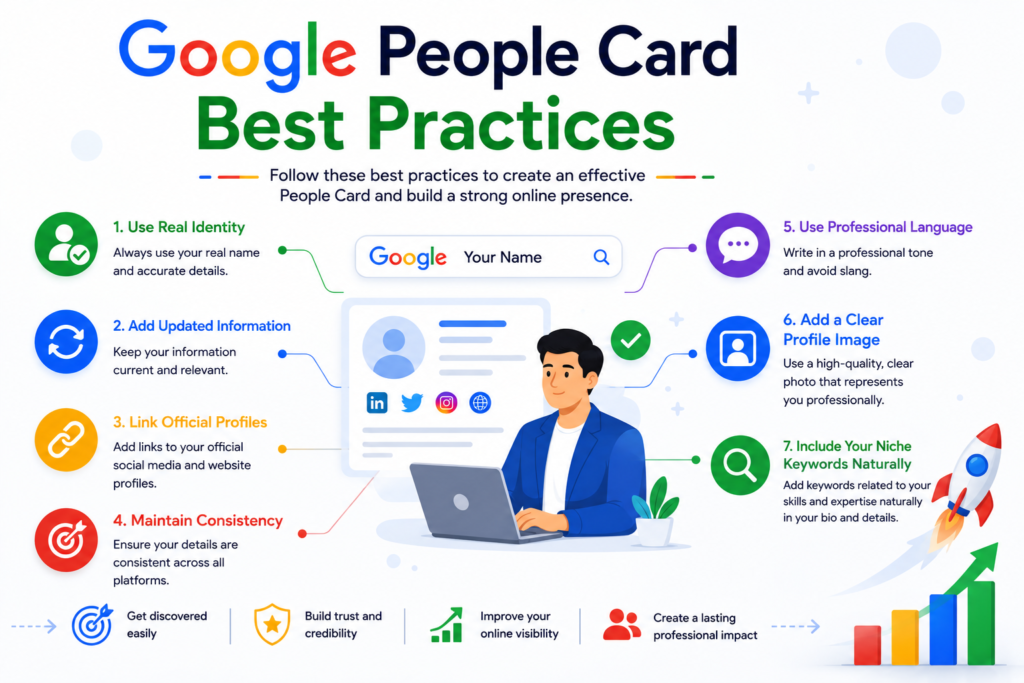
To get the best results:
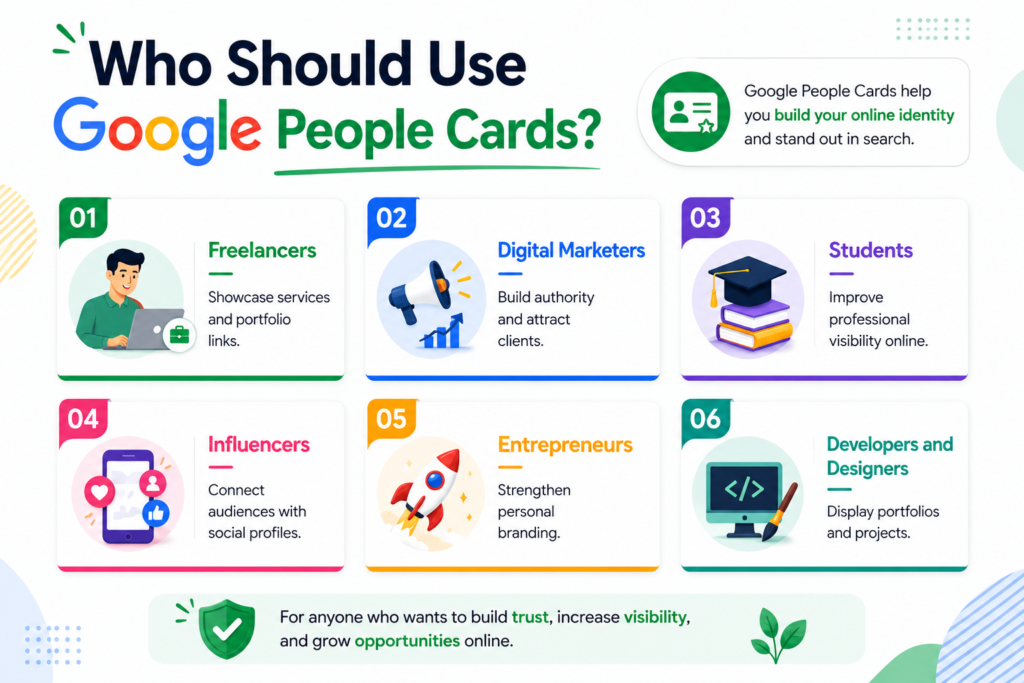
Showcase services and portfolio links.
Build authority and attract clients.
Improve professional visibility online.
Connect audiences with social profiles.
Strengthen personal branding.
Display portfolios and projects.
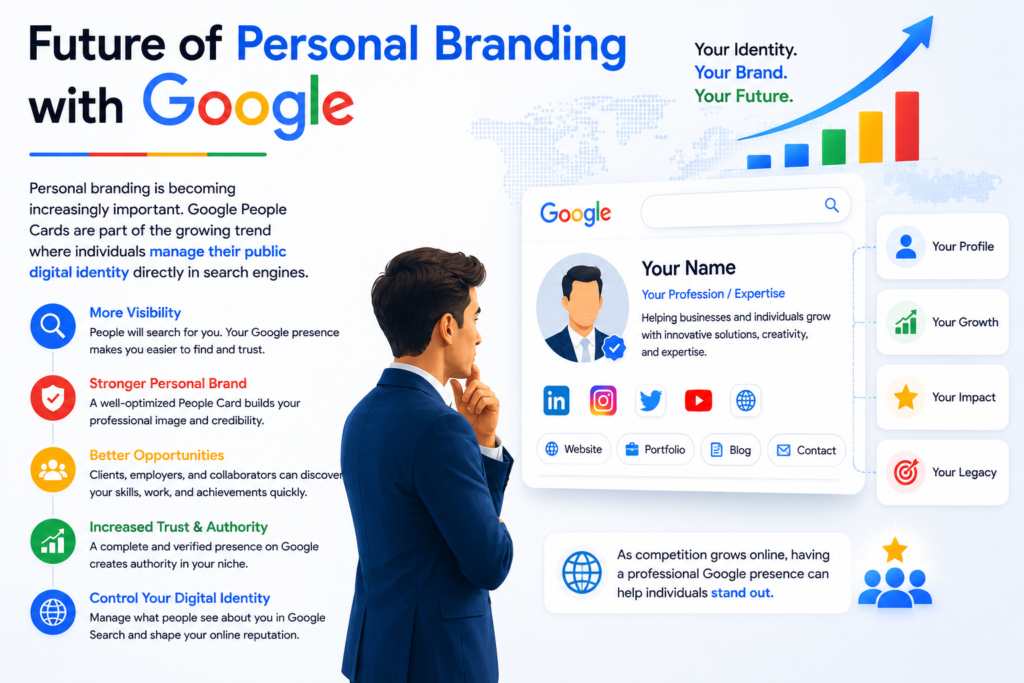
Personal branding is becoming increasingly important. Google People Cards are part of the growing trend where individuals manage their public digital identity directly in search engines.
As competition grows online, having a professional Google presence can help individuals stand out.
Google People Cards are one of the simplest and most powerful tools for improving your online identity. Whether you are a freelancer, entrepreneur, marketer, student, or content creator, creating a People Card helps people find accurate information about you quickly.
By adding yourself to Google Search with a People Card, you can:
The setup process is simple, free, and highly beneficial for long-term digital growth.
If you have not created your Google People Card yet, now is the perfect time to build your professional identity directly on Google Search.
Excellent Work
Certified Team
Quick Turnaround
Most Experienced






Comments
0 comments